Selecting Which Users Can See Confidential Submissions
The following items allow for confidential submission:
Violence/Harassment Reports
Behavior Observations
Custom Documents
Audits (Safety/Quality/LOTO)
The steps below show how administrator users can select which users can access these submissions:
Log in to iReportSource on the web at https://ireportapp.com/login
Access your Home Page
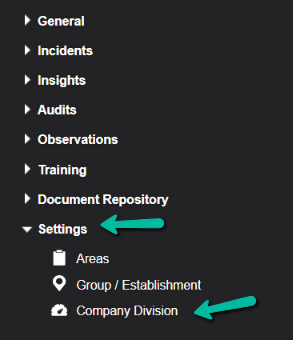
Click on Settings > Company Division on the menu:
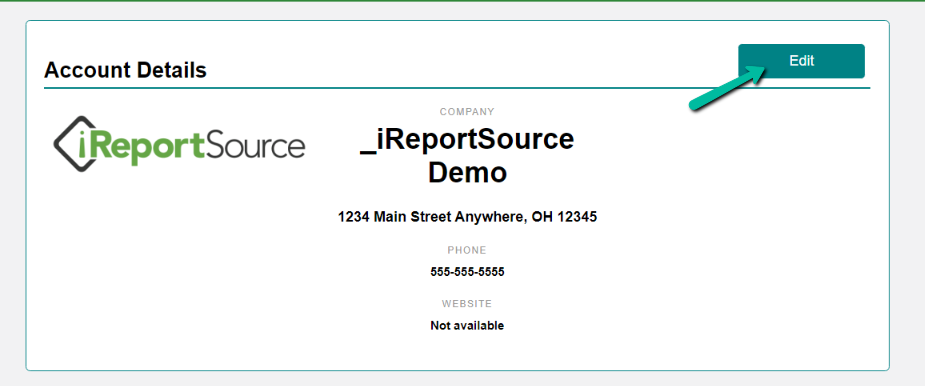
4. Click Edit in the Account Details section:
5. Scroll down and find the drop-down menu(s) where you can select the users. Click the drop-down menu and check the box next to the employee's name:
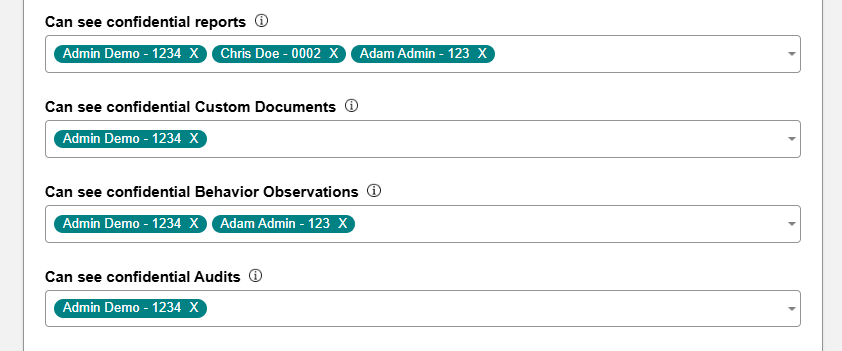
NOTE: Only administrator users can be selected to view confidential Violence/Harassment Reports. Both Administrator and Collaborator users can be selected to view confidential Behavior Observations, Custom Documents, and Audits.
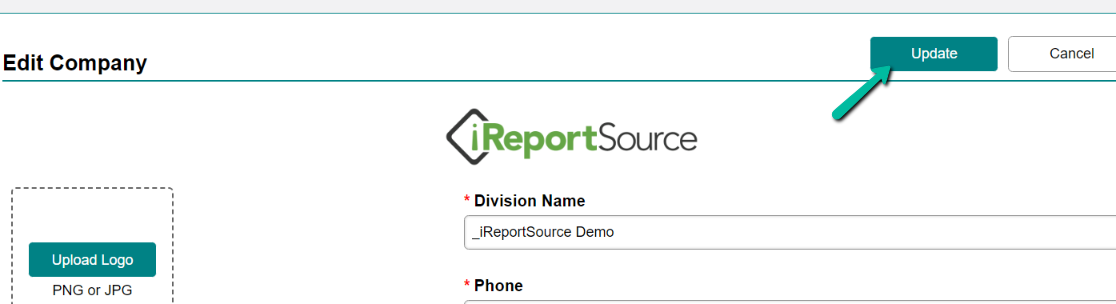
6. Click Update at the top of the page to save your changes.