How to Download Certificates for Completed Trainings
Once all employees have completed a training, or once an in-person training has been tracked, Supervisors and above will have the ability to download training certificates.
Log in on the web at https://ireportapp.com/login
Click to enter your dashboard
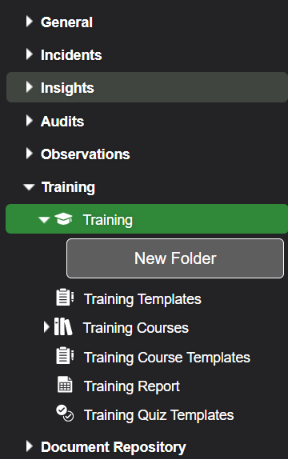
From the Training menu, select Training:
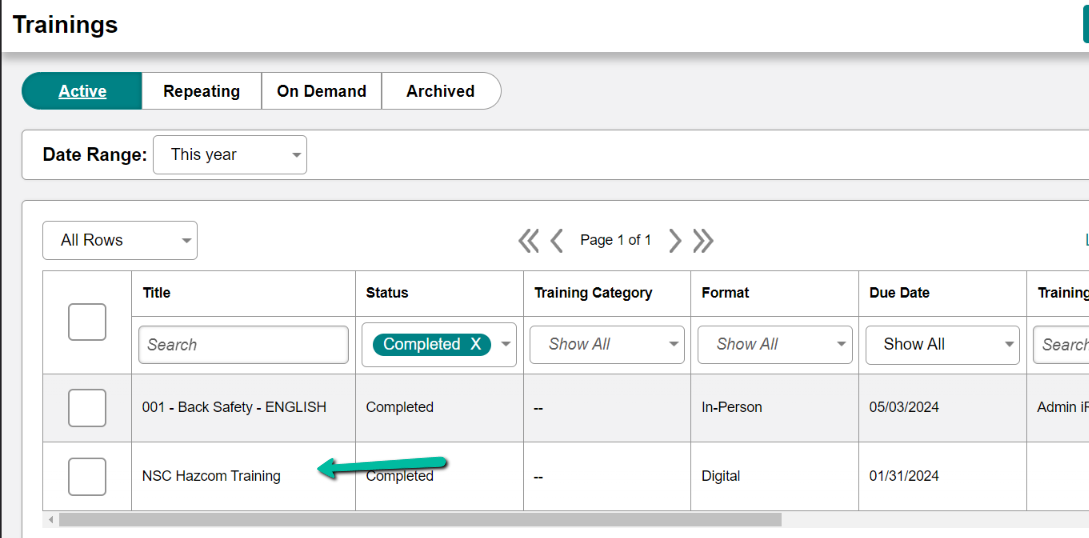
4. Locate the training for which you would like to download certificates, and click into it:
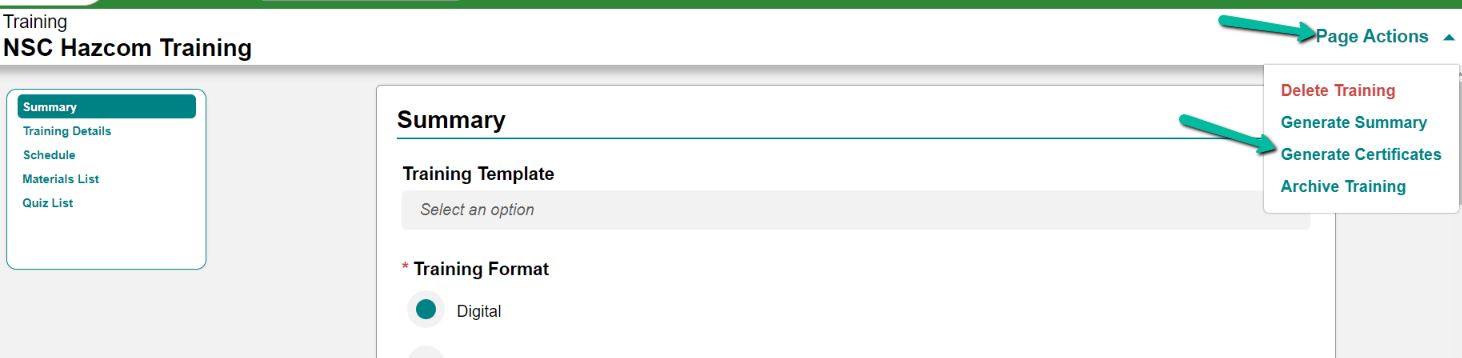
5. Click Page Actions in the top right corner, then click Generate Certificates:
NOTE: This can take some time if you have a lot of training attendees.
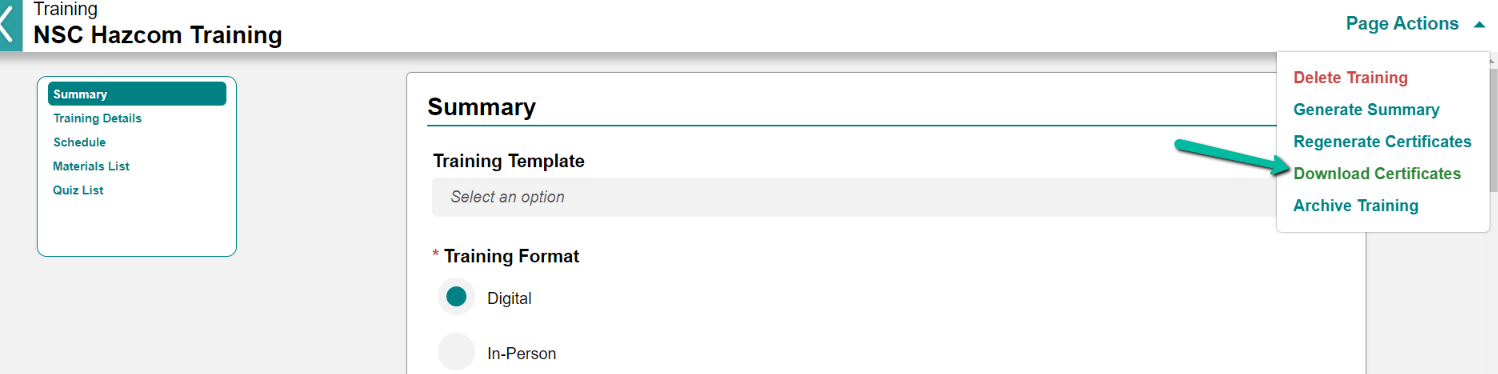
6. Once the Certificates are generated, you'll see a Download Certificates option appear in the same menu:
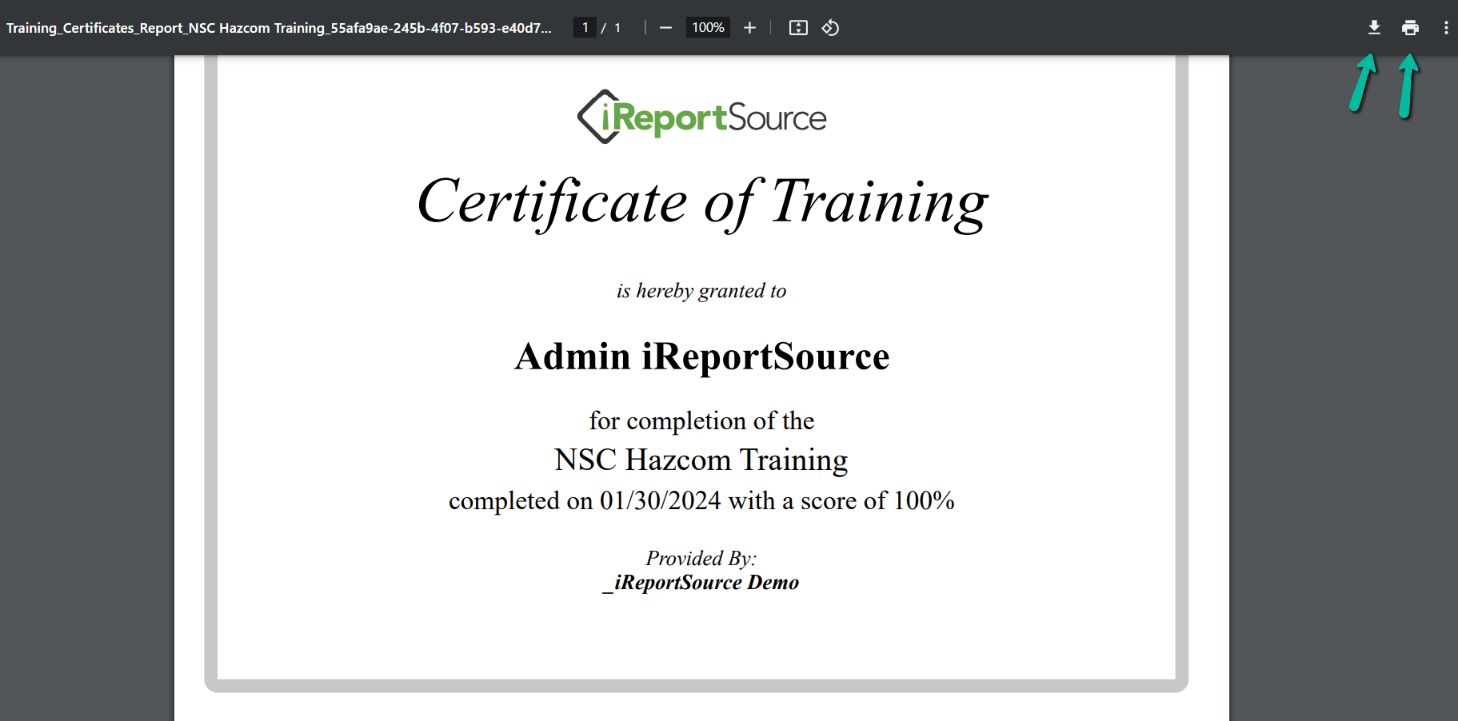
7. The resulting PDF will have one certificate per page for each attendee on the list. You can print or save as you desire: