
Using a QR Code to Look up Employee Training/Qualifications
Updated Aug 3, 2026·
Training Reporting
Updated 10/09/2025
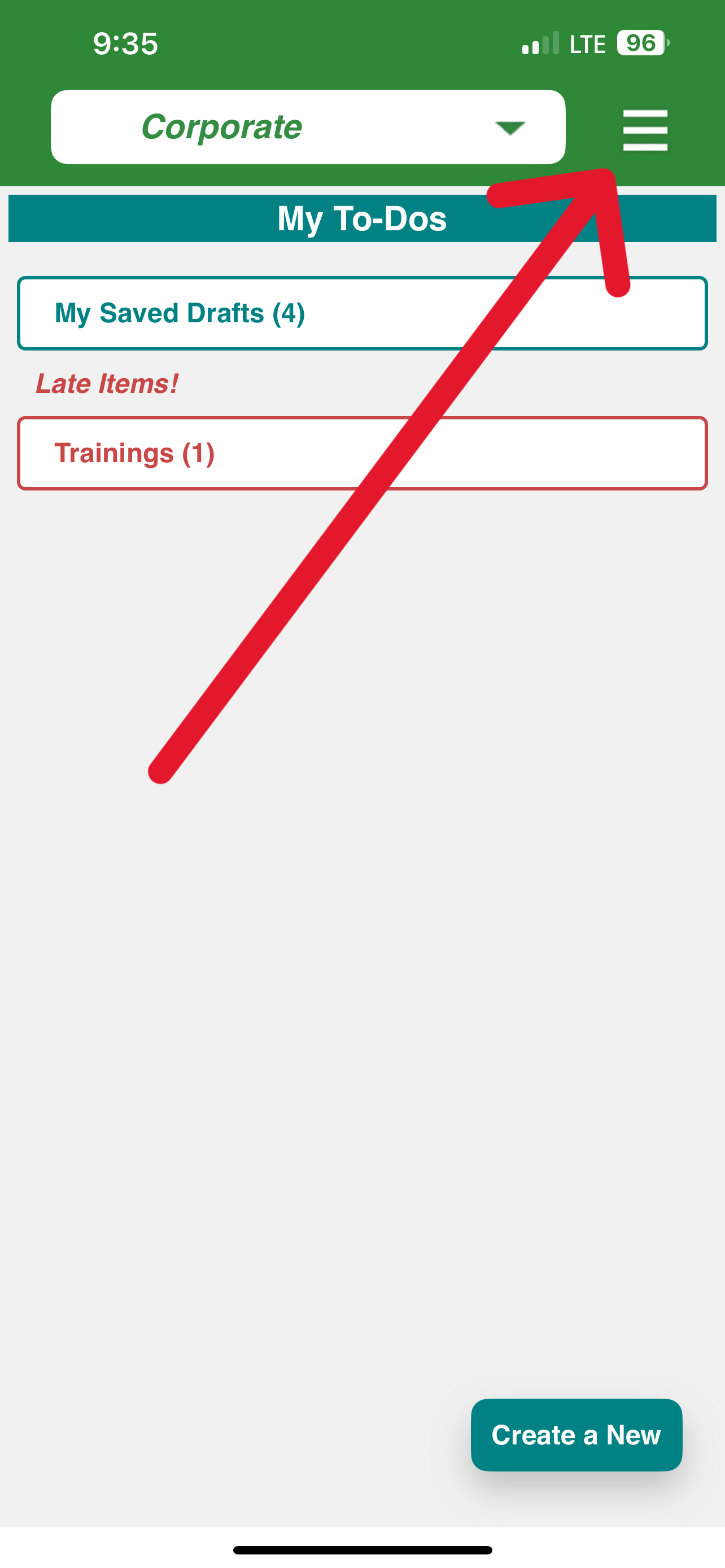
Log into your iReportSource mobile app
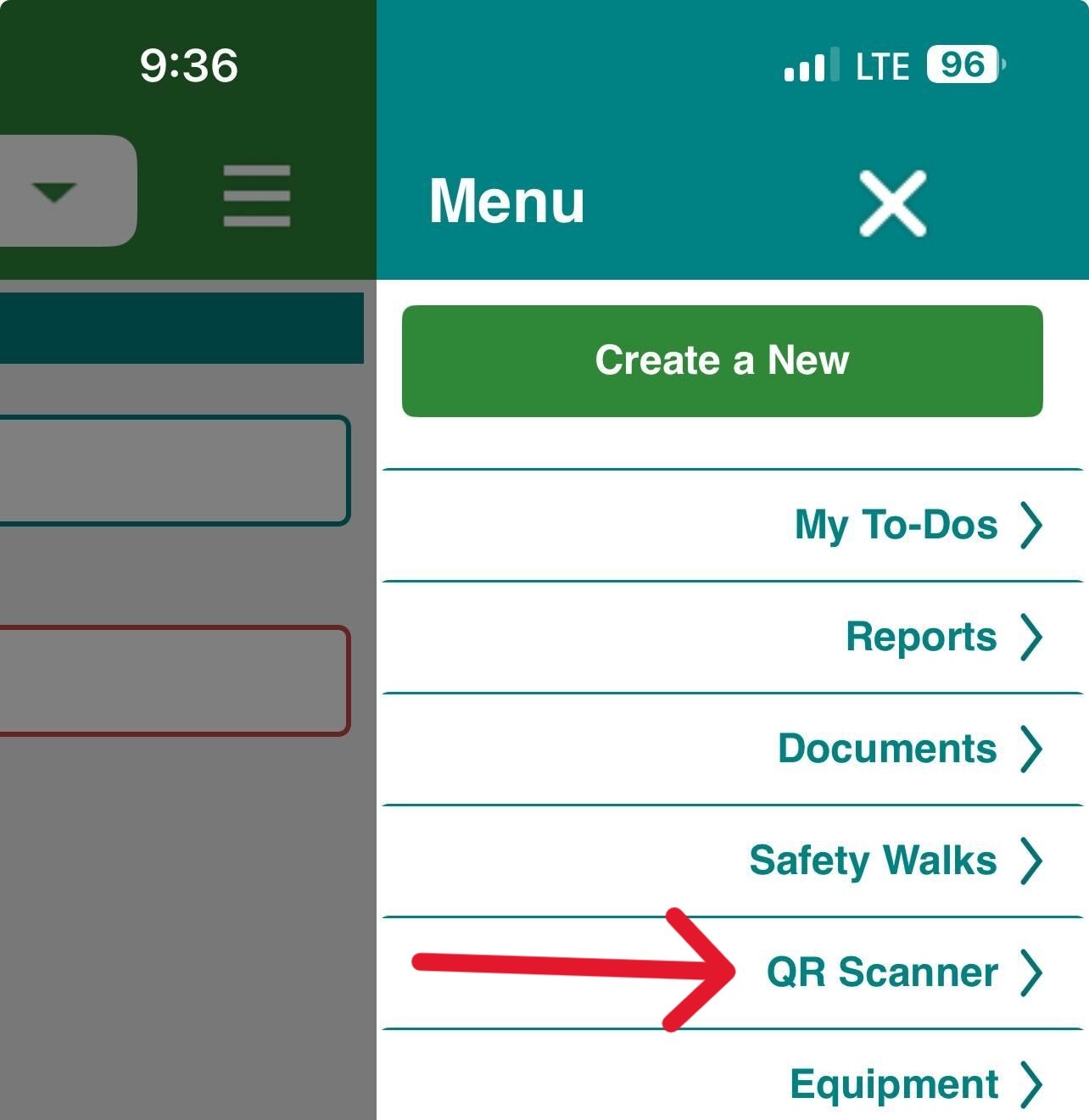
Click the menu and then click QR Scanner:
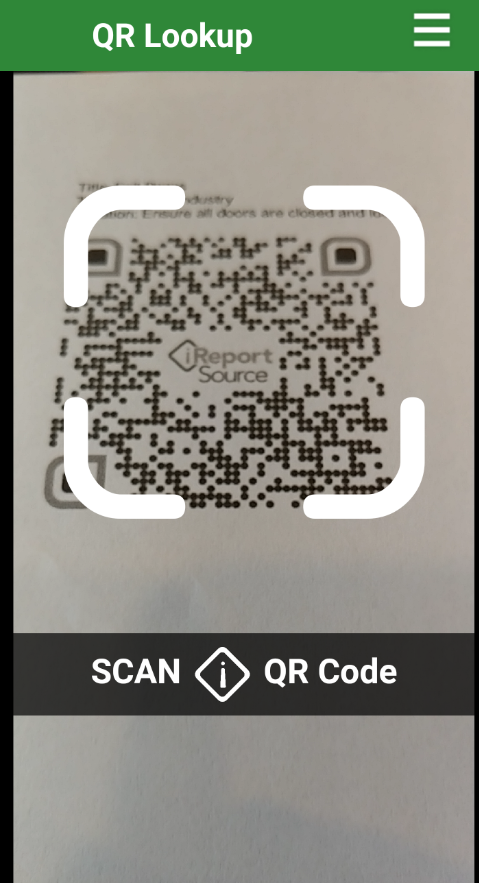
3. Scan the QR code assigned to the employee you’d like to look up. Many companies place these on the back of employee badges, for example:
4. The employee profile information and list of trainings and qualifications will show:
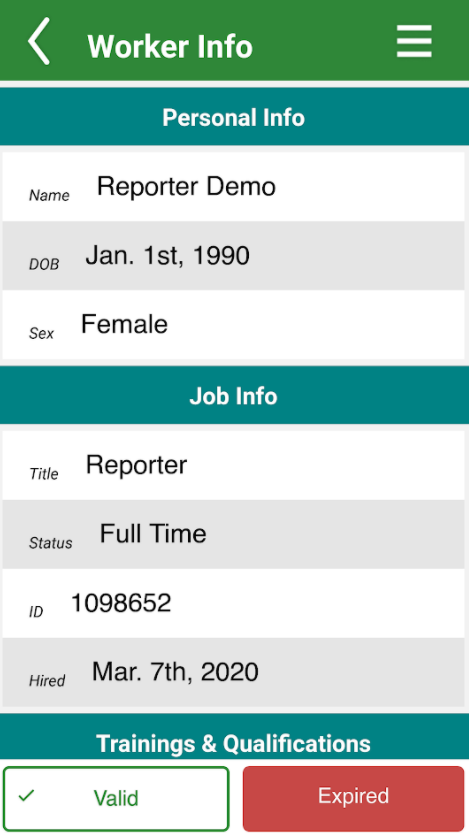
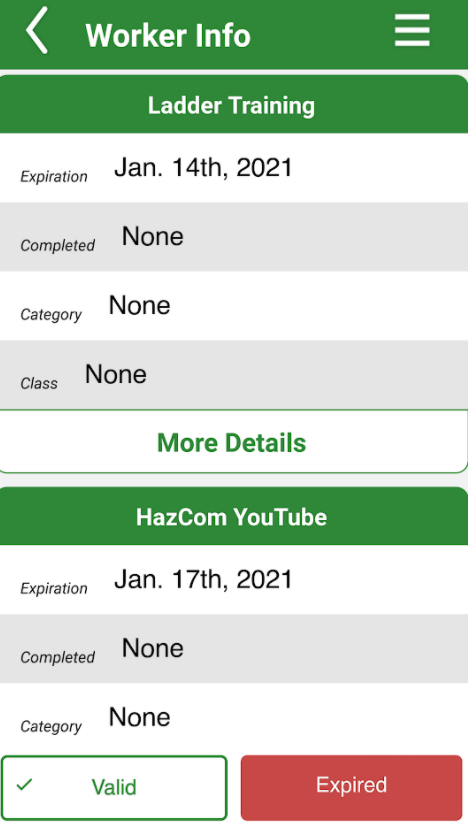
NOTE: Click on the Valid or Expired button to view trainings and qualifications that are either active or expired.
5. Training and qualification information will show underneath the employee personal and job info:
Was this article helpful?