
Safety Procedures: Viewing on the Mobile App
Updated Aug 3, 2026·
Safety Procedures
Updated 3/3/2026
Log into the iReportSource app
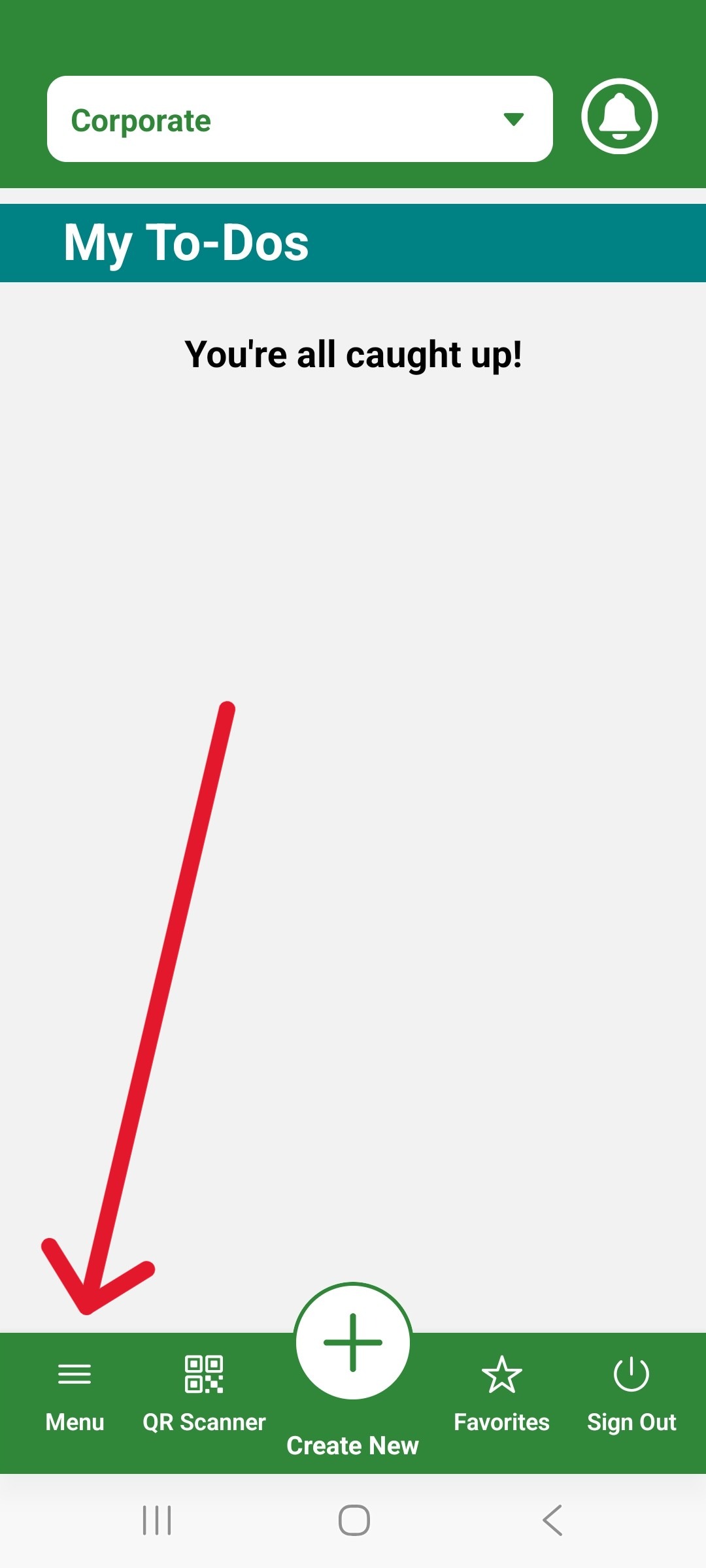
Click on the menu icon:
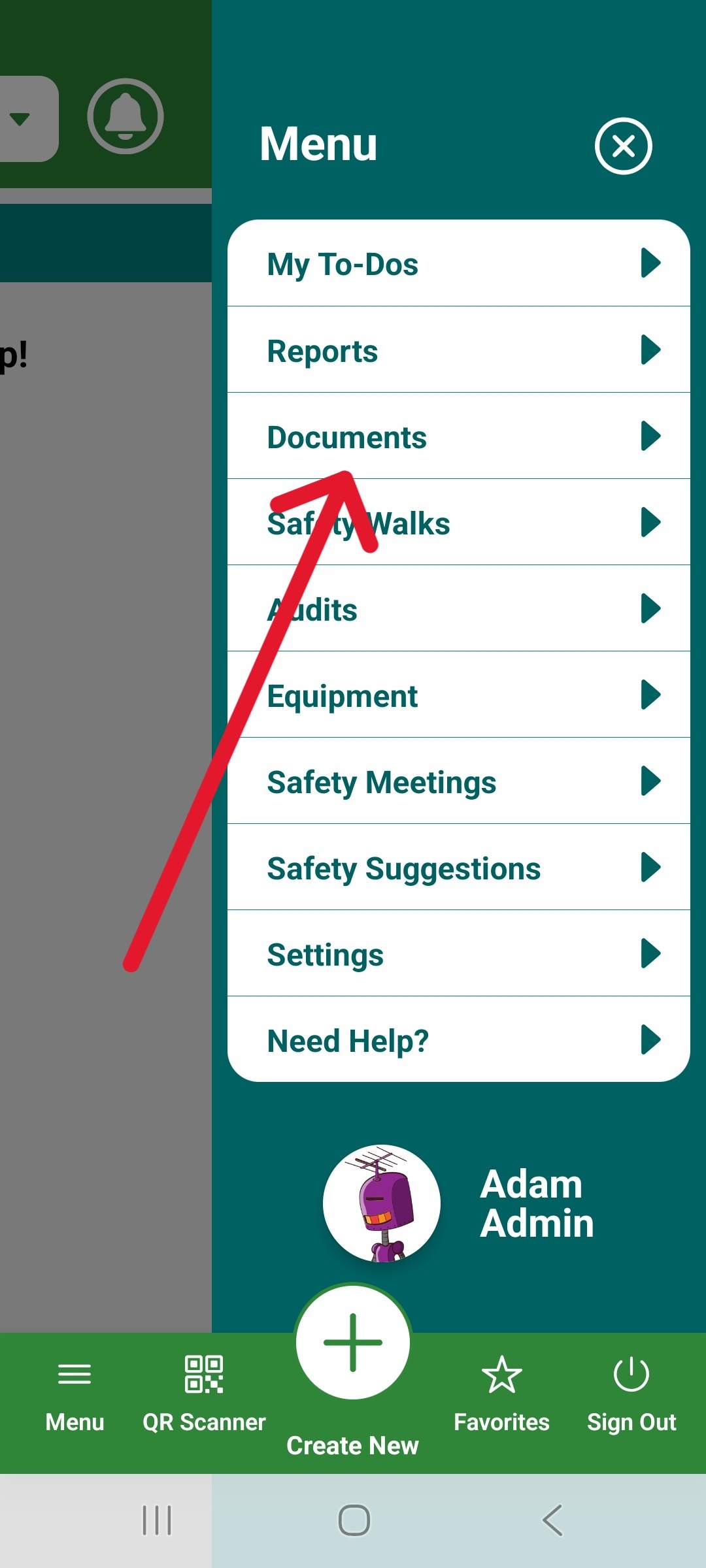
3. Choose Documents:
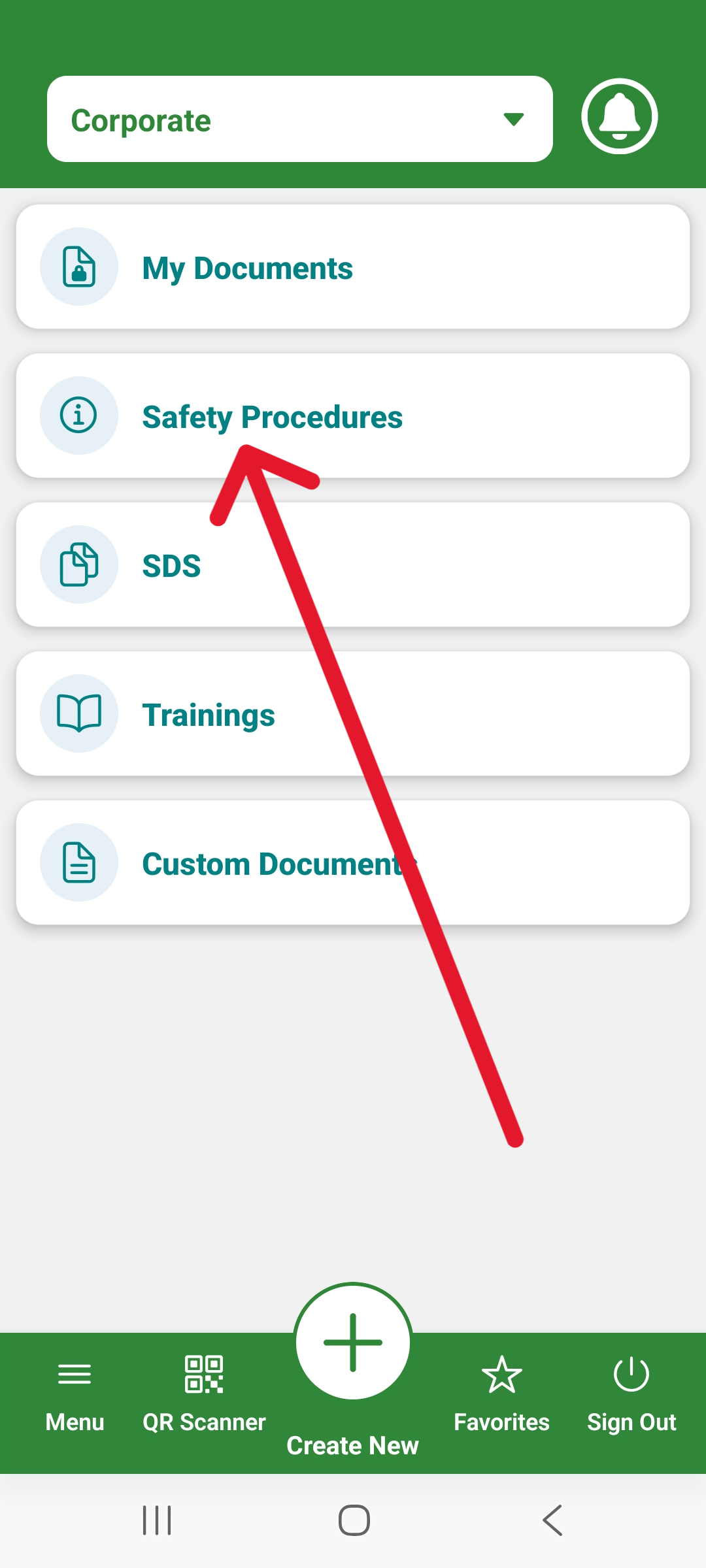
4. Click Safety Procedures:
5. Now you can click on the Safety Procedure you'd like to view:
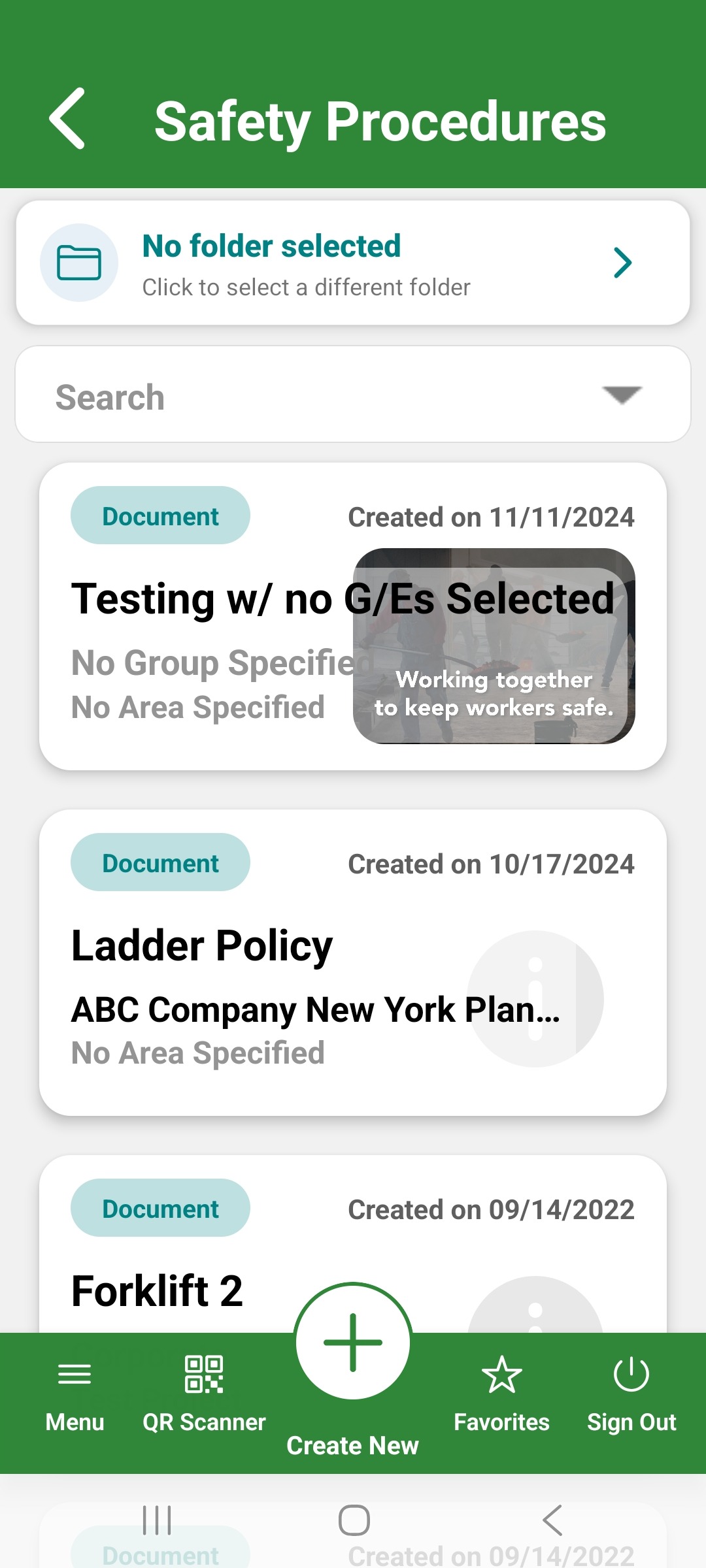
You can also look in the folder section if the documents are grouped that way.
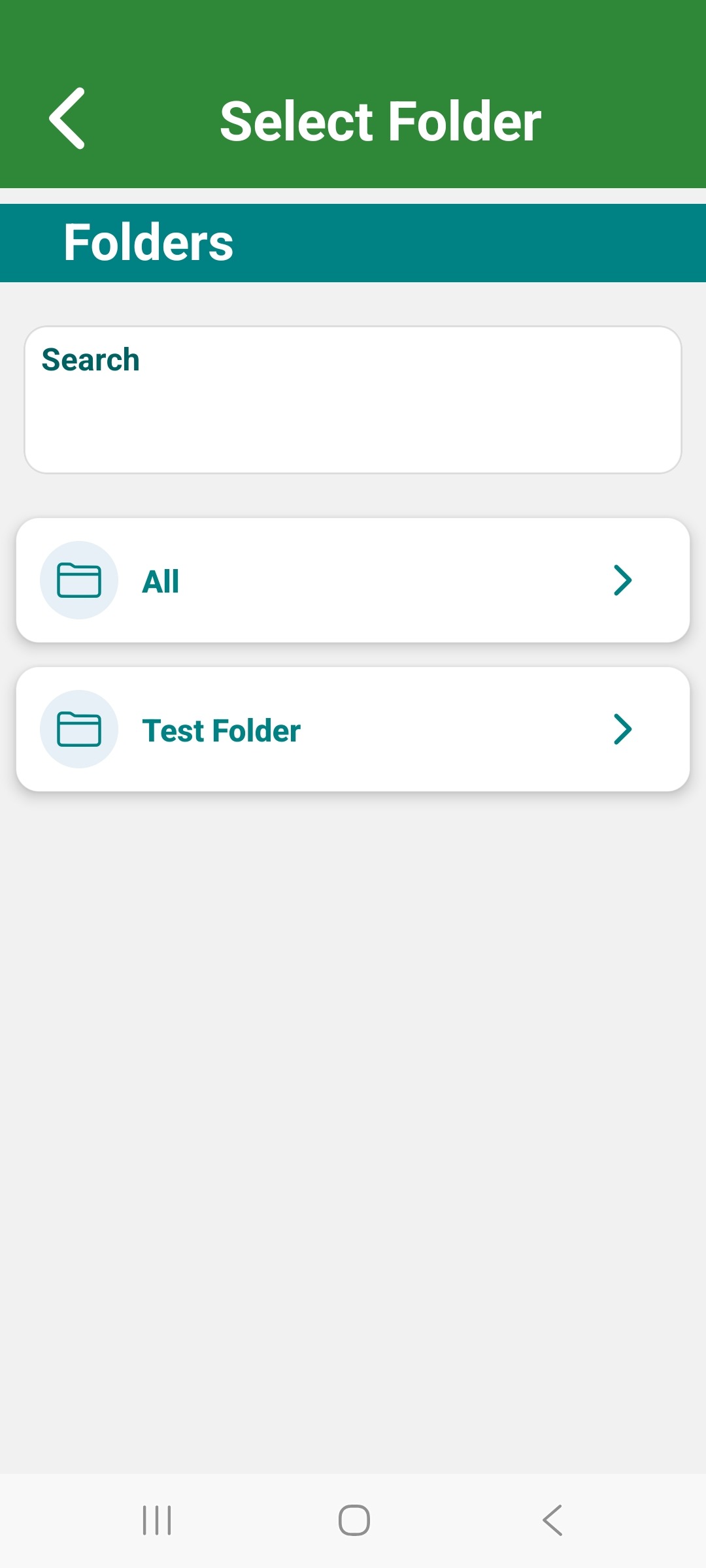
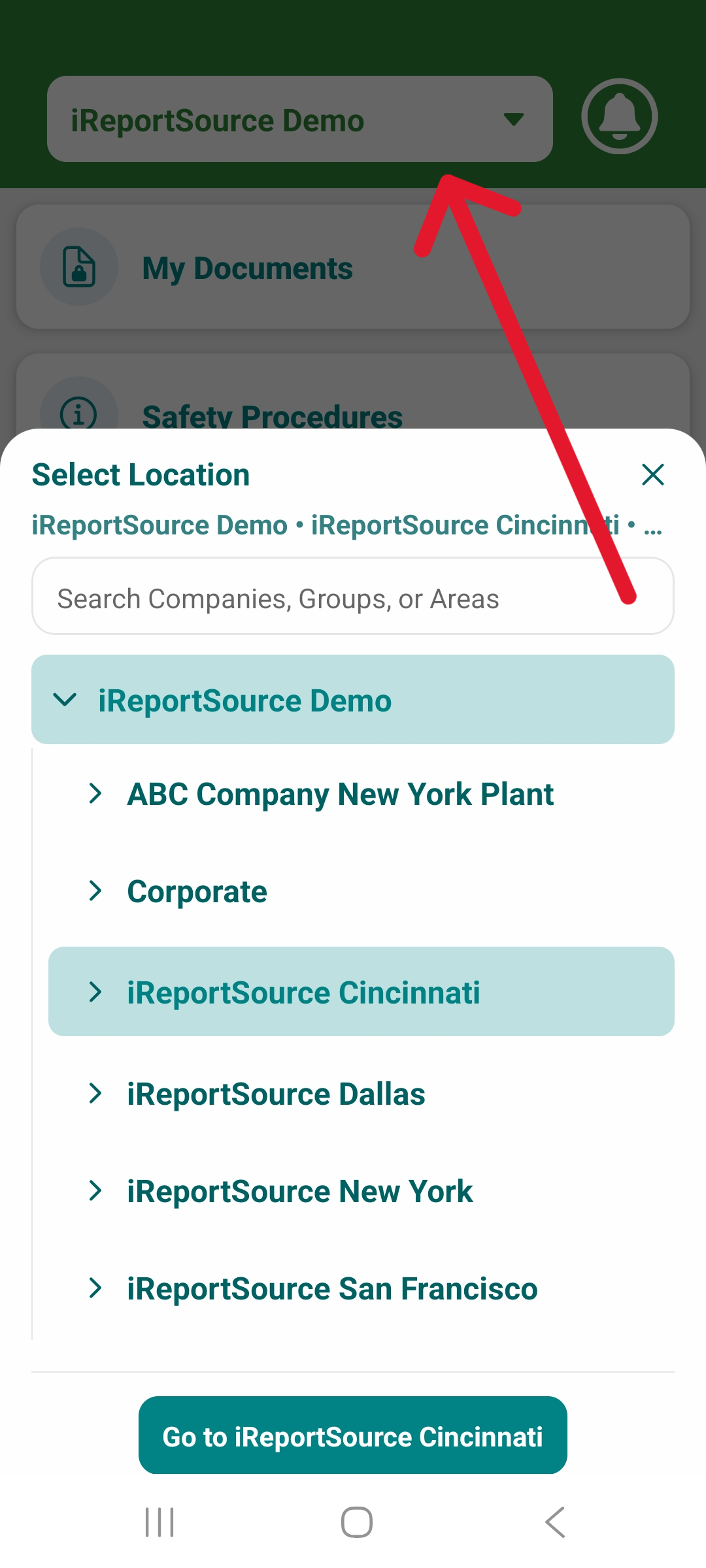
NOTE: If you don't see any listed here, there may not have been any shared with your chosen group/establishment. Check the drop-down menu shown below to ensure you're in the correct establishment if you have multiple. You can also check with your iReportSource administrator.
Was this article helpful?