Tracking In-Person Meeting/Training Attendance Using the Mobile App
Updated 4/28/2022
Our Safety Training feature allows you to track the attendance of safety meetings, toolbox talks, or any other in-person meetings very easily. Tracking them this way allows you to run reports in MyAnalytics to find who has attended which meetings, and more importantly, who hasn’t.
This article walks you through how to track attendance for in-person meetings using the mobile app. You can view this article for steps on how to do this on the website.
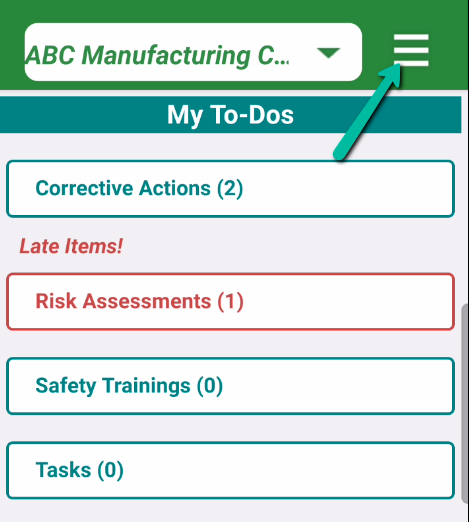
Log into the iReportSource Mobile app and click on the menu icon:
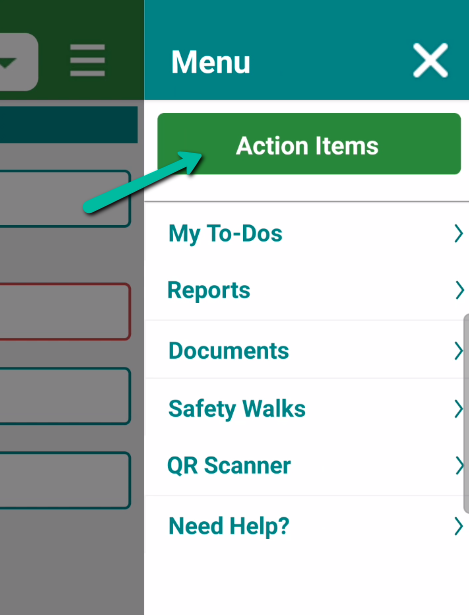
2. Click on the Action Items button:
3. Click on Create Assignment:
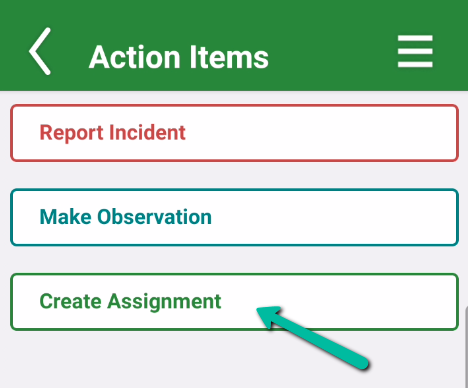
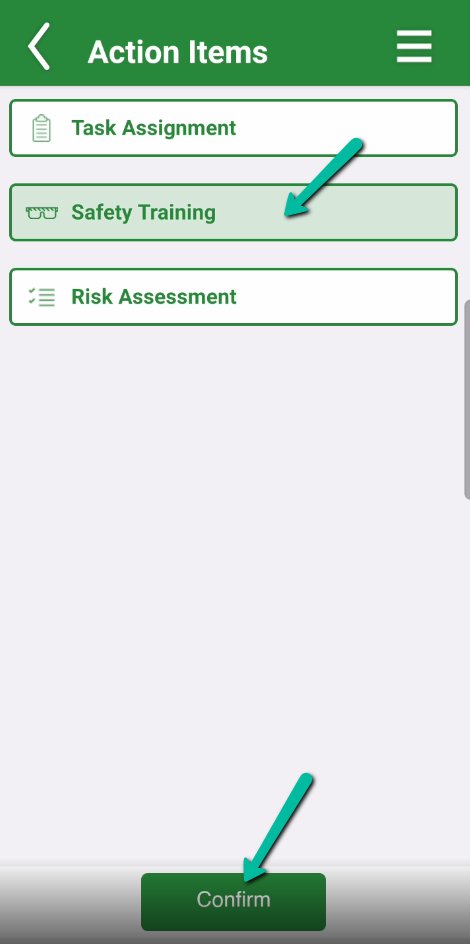
4. Choose Safety Training and hit Confirm:
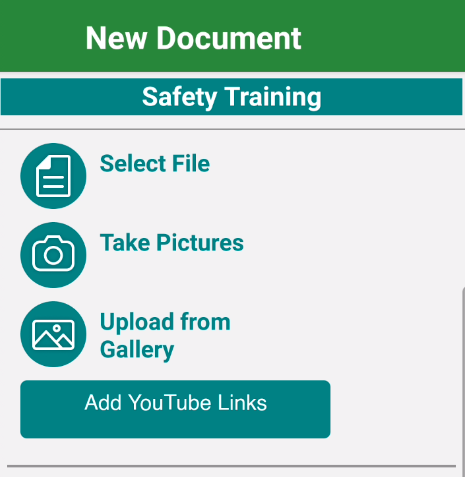
5. You can add training materials that were covered in this meeting (optional):
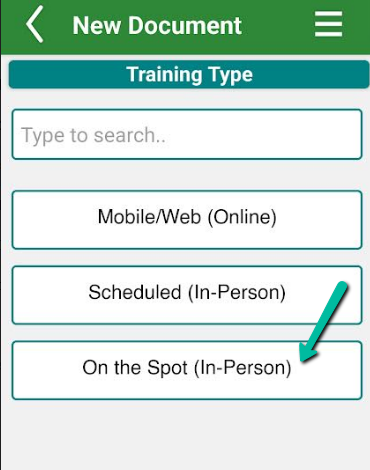
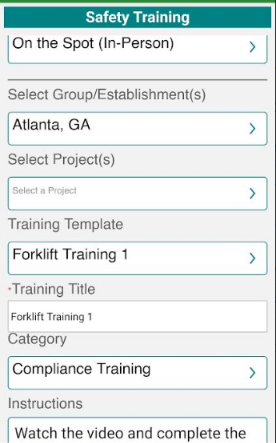
6. Important: For the Training Type, choose On the Spot (In Person).
This means that the meeting already happened and the training will not require any further action from employees. The other training types (Mobile/Web and Scheduled In Person) are trainings that get assigned to employees for completion through iReportSource.
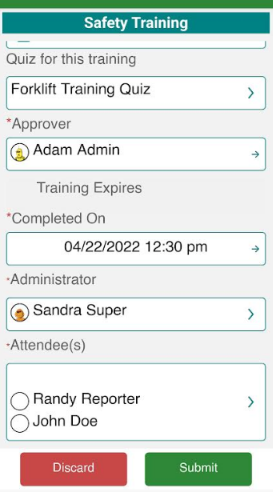
7. Fill out all required information.
NOTE: If you choose a training template, many of the fields about the training content will be filled out for you. If this training doesn't have a template, you can provide all of the information manually, but we suggest checking with your Safety Administrator to see if a template should be added for later usage.
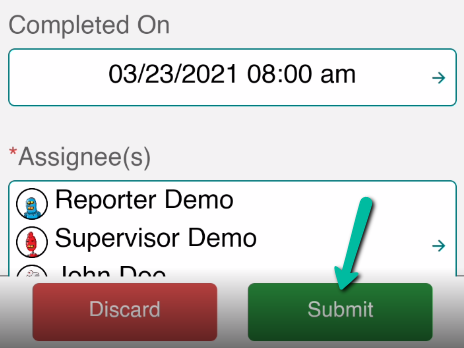
12. Hit Submit to save this training entry: