
How to Export Custom Questions Data to Excel
Updated Aug 3, 2026·
Custom Report Questions
Updated 10/15/2024
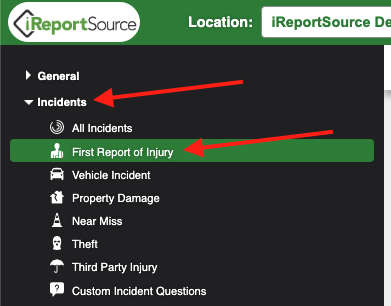
From your Home Page, click on the Incidents menu to the left and choose the incident type for which you would like to export custom questions data:
2. Click on Page Actions and choose Export Custom Report Questions:
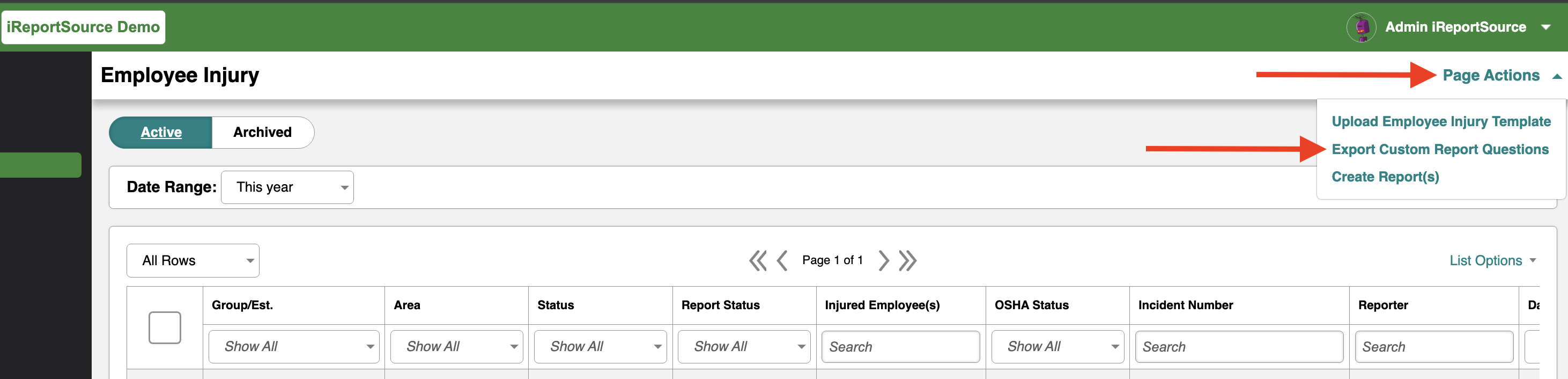
The excel file will download and you can analyze the data any way you see fit!
Was this article helpful?